Can I generate a hexagonal grid online?
Yes. Choose pointy-top or flat-top hexes, set the hex size and background, then download a PNG, SVG, PDF, or full hex grid pack.
Hex grid maker
Upload a map and align a custom hex grid overlay, or generate a clean hexagonal grid with adjustable size, opacity, offsets, orientation, SVG, PNG, PDF, and full pack export.
1. Choose
2. Adjust
3. Download
A usable grid is ready now. Upload only when aligning a map.
Wide · 1600px x 900px · 247 hexes
Use case
Transparent overlay
Orientation
Pointy-top
Export
PNG, SVG, or print
Turn on coordinates for numbered hex grids.
Quick downloads
Use these after the overlay workflow when you only need a ready-made transparent hexagon grid or printable hex paper. For direct overlay files, open the transparent hex grid PNG download page.
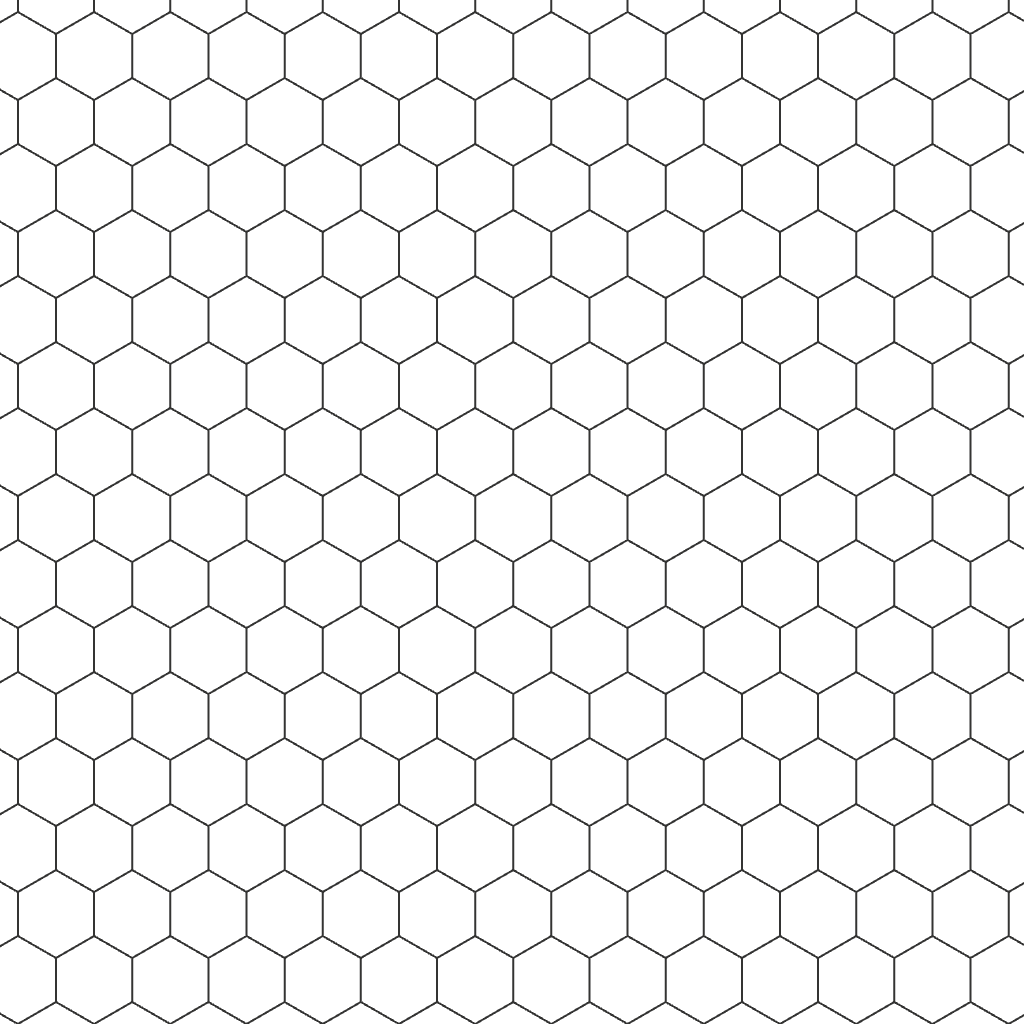
1024 x 1024 overlay for maps, Figma, Canva, and image editors.
1920 x 1080 transparent white hex grid for battlemaps.
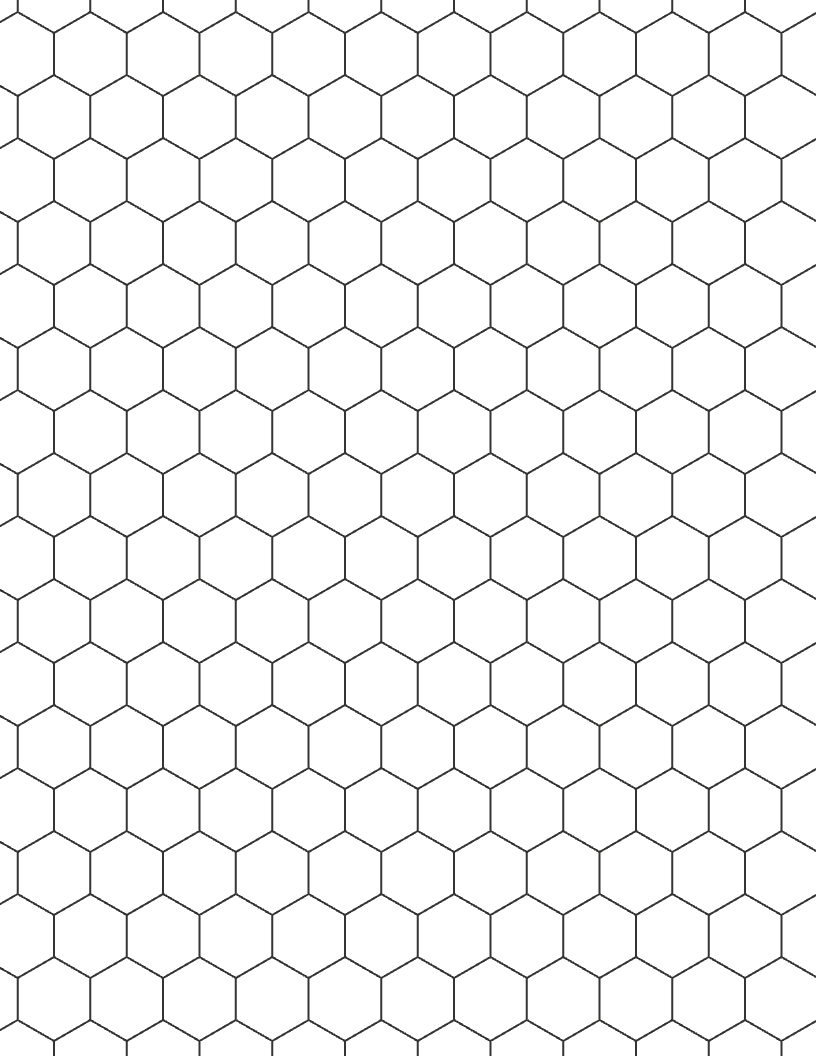
Pointy-top printable PDF for drawing maps and worksheets.
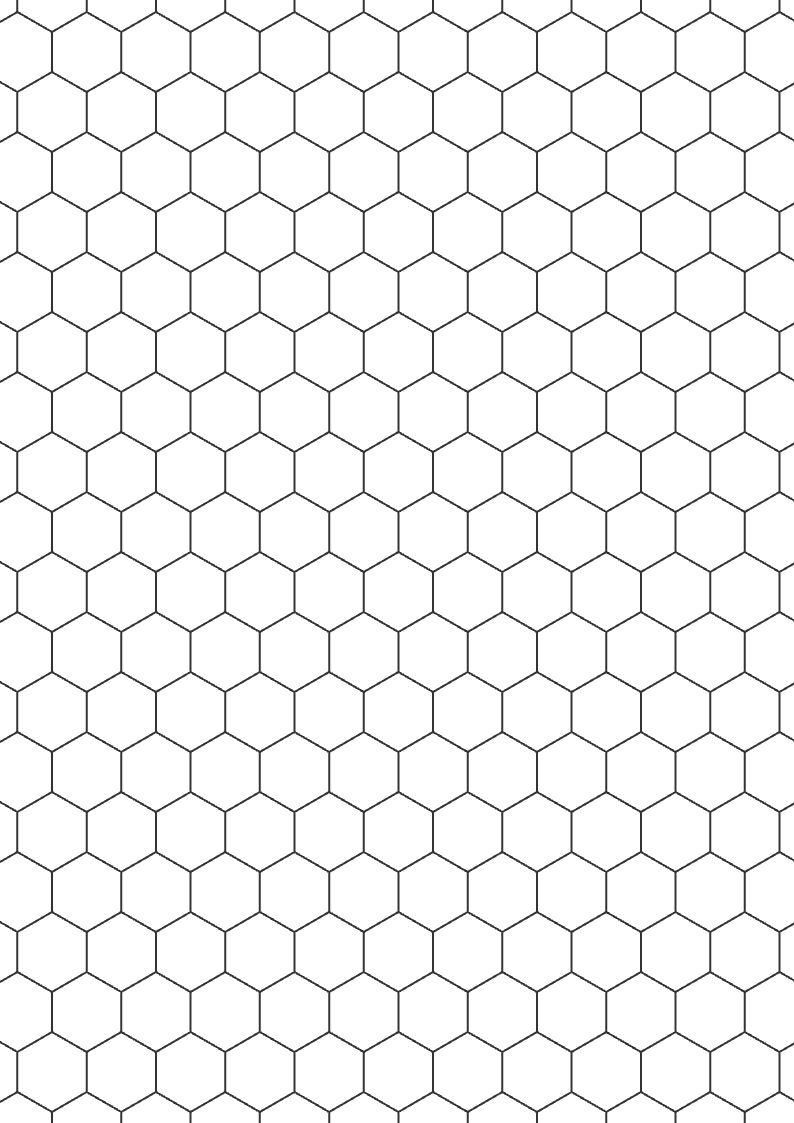
Pointy-top printable PDF sized for A4 paper.
Pointy-top and flat-top hex grids
Transparent, white, or warm paper backgrounds
One ZIP pack with map overlay, transparent PNG, SVG, and settings
What to make
Use Letter or A4, white background, and browser print for quick worksheets.
Use transparent PNG when you want to place the grid over a battlemap or design.
Use SVG when you need a crisp grid for editing, scaling, or publishing.
Format guide
Hex grid users split into three jobs: putting lines over a map, printing blank paper, or editing a scalable grid in design software. Start with the hexagon grid overlay, print, or SVG job first, then adjust the detailed settings only when the preview needs it.
| Format | Best for | Notes |
|---|---|---|
| PNG | Map overlays, thumbnails, and quick downloads | Use transparent background when layering over another image. |
| SVG | Figma, Illustrator, Inkscape, and scalable layouts | Lines stay crisp when resized or edited. |
| PDF / Print | Letter or A4 hex paper | Best for worksheets, tabletop notes, and hand-drawn maps. |
Settings that matter
Start with orientation, background, hex size, and export format. Open the deeper controls only when you need more exact placement or styling.
Hex grid use cases
Make a printable worksheet, tabletop map, design overlay, or prototype board. Choose the grid settings that match where you will use it.
Upload a finished map, use white or dark lines, then adjust opacity and offset until hexes align with the artwork.
Choose Letter or A4, set a white background, and print a clean sheet for hand-drawn regions or encounters.
Use flat-top orientation with row or axial labels when testing movement, range, or board layouts.
Alignment checklist
Most bad hex exports happen because line contrast, cell size, or orientation was chosen too quickly. These checks keep the file useful after download.
Related tools
When the user wants a file immediately, these long-tail pages provide direct downloads before the customizer.
FAQ
Yes. Choose pointy-top or flat-top hexes, set the hex size and background, then download a PNG, SVG, PDF, or full hex grid pack.
They usually describe the same visual structure: repeated six-sided cells. Hex grid is the shortest term, hexagon grid is common for overlays, and hexagonal grid is often used for generators or printable layouts.
Yes. Use the customizer to export a transparent hex grid overlay PNG, or use the transparent hex grid PNG page for ready-made square, HD, and 4K downloads.
Yes. Use the map overlay mode for an existing image or start from a blank hex grid when you only need a clean hex map base.
Use pointy-top for many tabletop and map layouts where columns feel natural. Use flat-top when rows and horizontal movement matter more.
Yes. Choose the Clear background and download PNG or SVG. The exported grid has no filled background.
No. This tool focuses on fast printable hex grids and clean overlays, not terrain painting or campaign map storage.
Use Download Hex Pack when you want the map overlay, transparent PNG, SVG, and settings together. Use PNG, SVG, or browser print when you only need one output.
Yes. Use Overlay mode, upload the map, then adjust hex size, opacity, offset X, and offset Y until the grid matches the artwork.
Choose Map Overlay, upload your map, adjust the hex size and offsets, then download the map with the grid or export the transparent hex grid only.