Which PDF should I print?
Use Letter if you print on US paper and A4 for most international printers. Choose standard, large-cell, light-line, or landscape versions based on the worksheet job.
Printable hex grid PDF
Download clean Letter and A4 hex grid paper, or customize a printable worksheet with your own spacing and orientation.
Best first download
US Letter printable pointy-top hex paper.
For handwriting
Larger pointy-top cells for notes and classroom worksheets.
A4 default
A4 printable pointy-top hex paper.
US Letter printable pointy-top hex paper.
Download PDFLarger pointy-top cells for notes and classroom worksheets.
Download PDF
Light gray pointy-top grid for sketching over softly.
Download PDF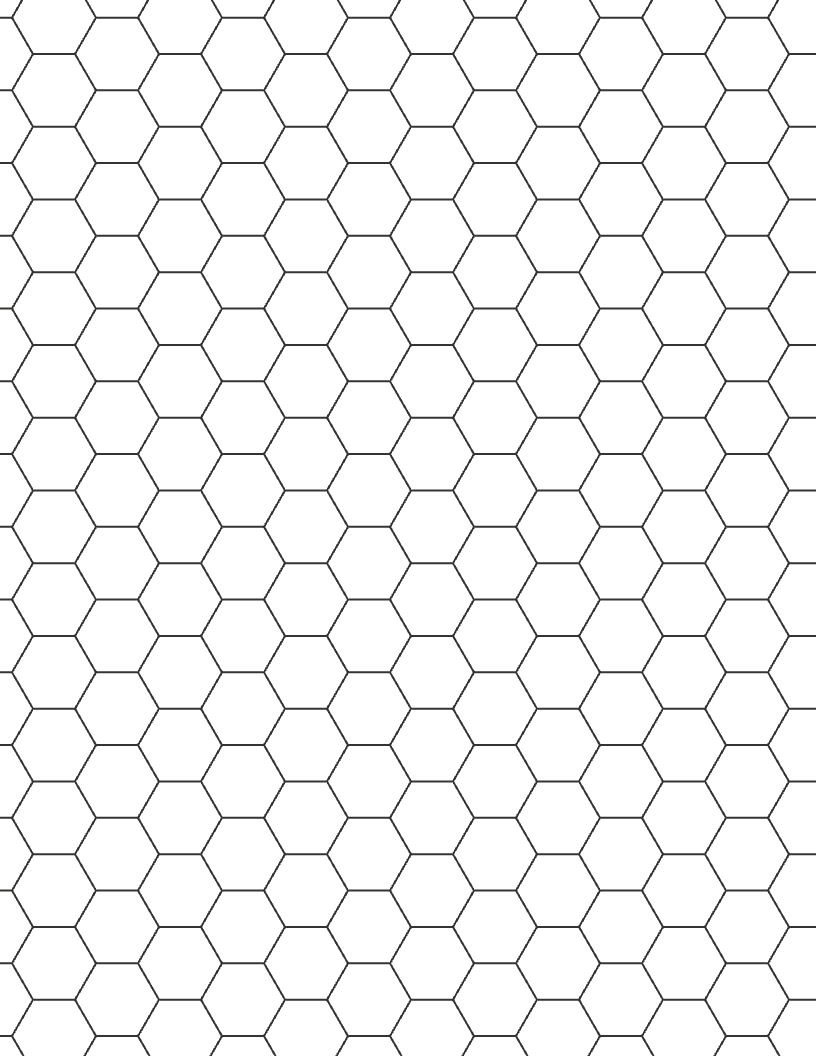
US Letter printable flat-top hex paper.
Download PDF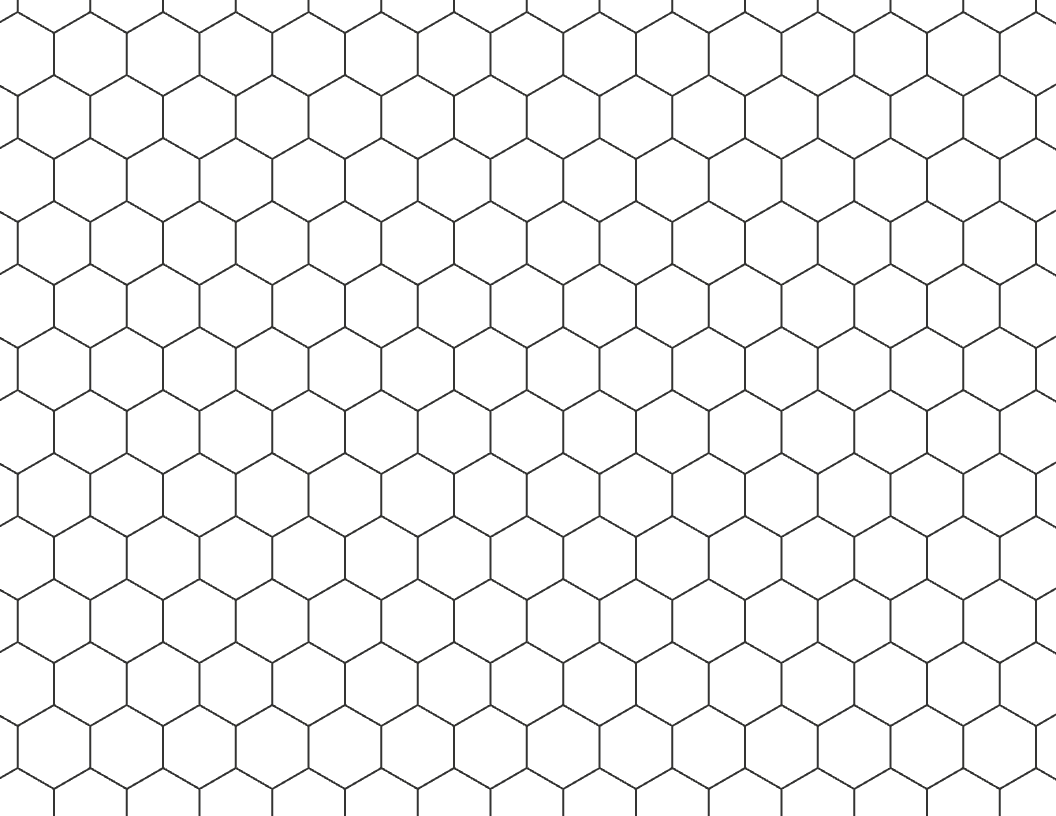
Landscape pointy-top sheet for wider maps.
Download PDFA4 printable pointy-top hex paper.
Download PDF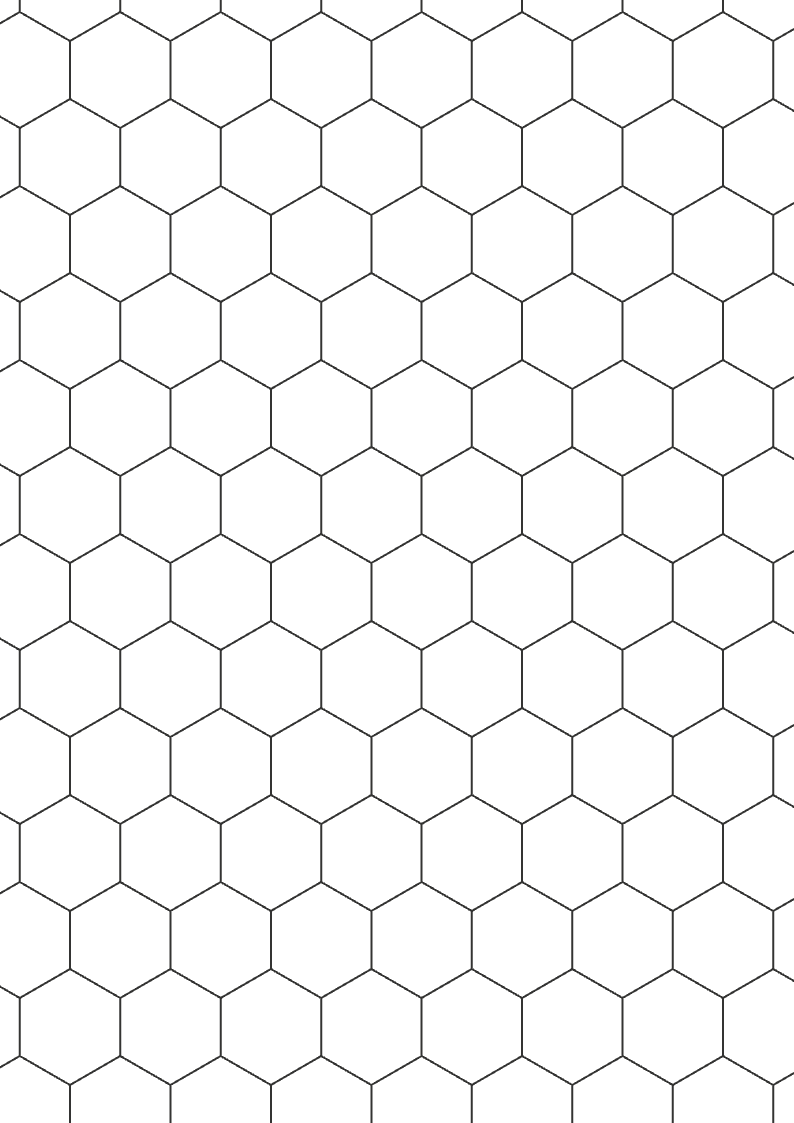
Larger A4 pointy-top cells for handwriting and planning.
Download PDF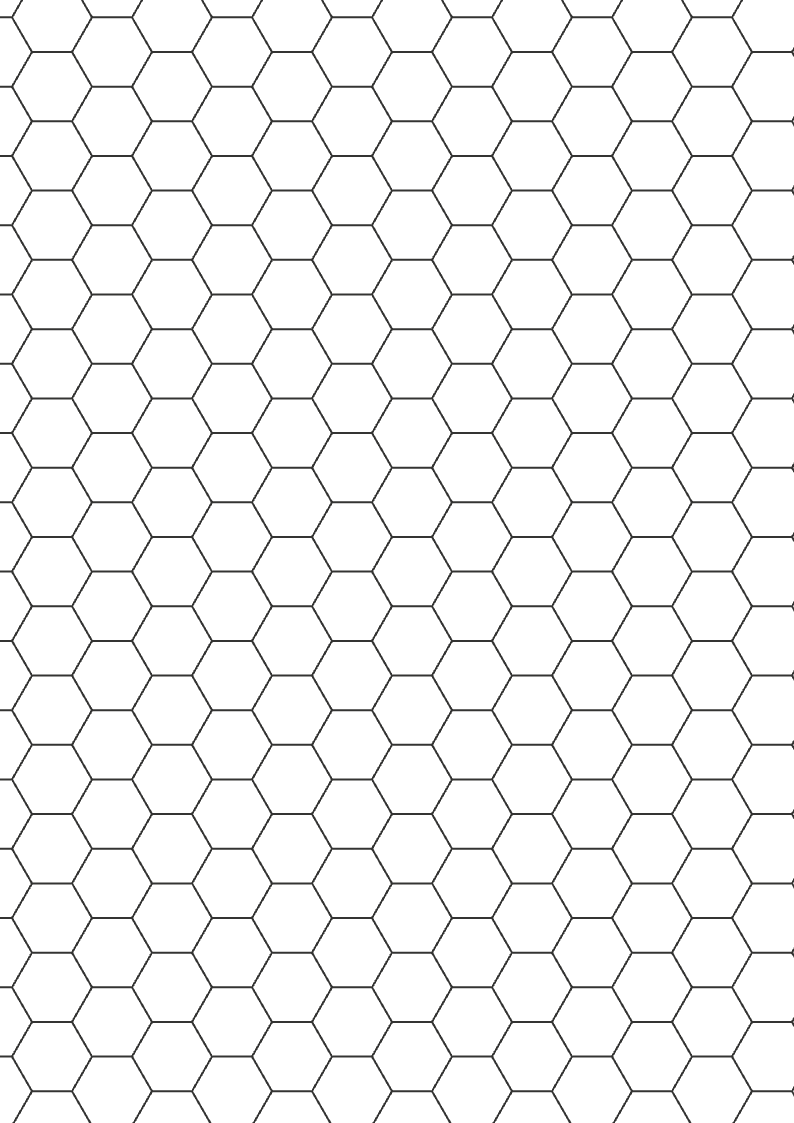
A4 printable flat-top hex paper.
Download PDF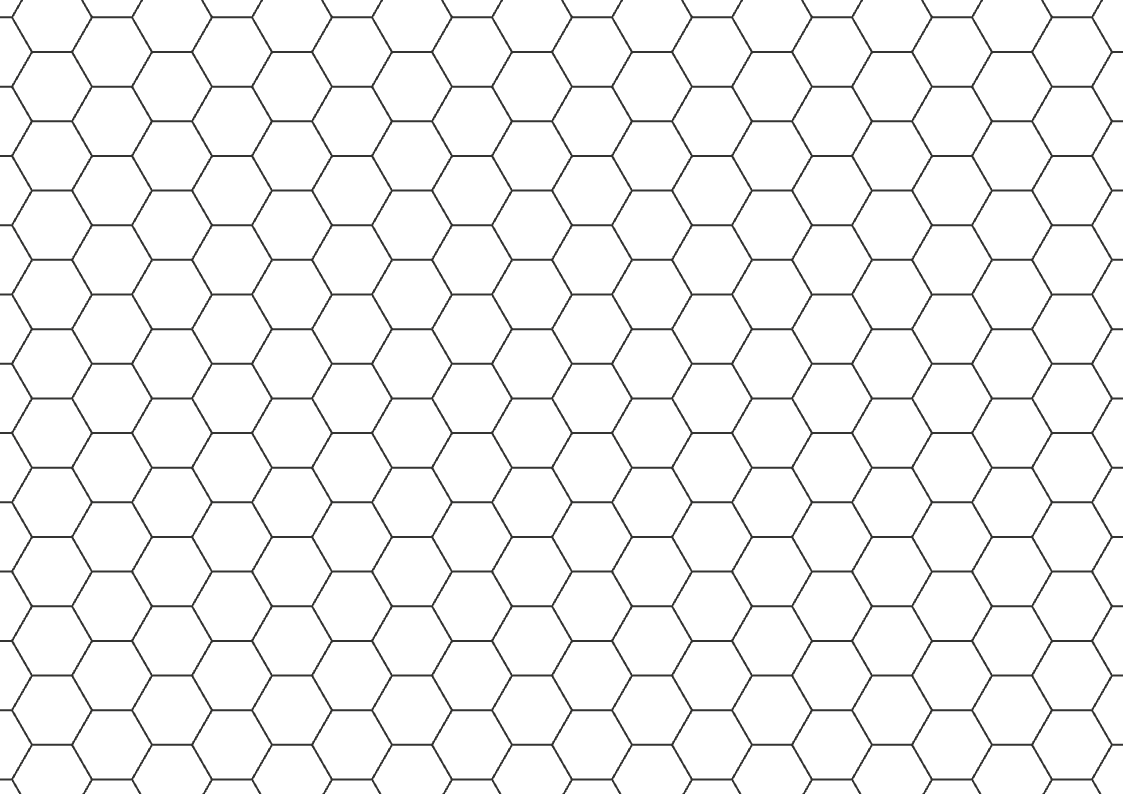
Landscape flat-top sheet for wide A4 game boards.
Download PDFOpen the editor when you need a different cell size, orientation, or line style.
Print guide
Start with the paper size your printer uses. Letter and A4 are separate so the grid keeps its margins and lines instead of shrinking or clipping during printing.
| Paper | Use case | |
|---|---|---|
| Standard pointy | Letter or A4 | Tabletop maps, worksheets, and column-based layouts |
| Standard flat | Letter or A4 | Horizontal movement maps and game planning sheets |
| Large-cell | Letter or A4 | Handwriting, classroom worksheets, and game notes |
| Light-line | Letter or A4 | Sketching when the hex grid should stay subtle |
| Landscape | Letter or A4 | Wide maps, board prototypes, and horizontal layouts |
Printing tips
Hex paper should print cleanly without making users fight the browser dialog. Choose the matching paper size, avoid automatic scaling when possible, and use the customizer when you need larger cells for handwriting or game notes.
Printable uses
Choose the paper size and orientation that fit your printer and project, then download a sheet that is ready to use.
Use pointy-top Letter or A4 paper for regions, encounters, travel routes, and hand-drawn maps.
Use flat-top sheets when testing horizontal movement, ranges, board spaces, or prototype layouts.
Print blank hex paper for tessellation practice, coordinate lessons, map drawing, or design exercises.
Print checklist
Printers and browsers can scale PDFs differently. A quick check helps users avoid clipped edges, tiny cells, or mismatched paper size.
Related tools
Printable PDF is the fastest route to paper. Use these pages when the user needs transparent image overlays or deeper export controls.
Download transparent PNG overlays for maps, Figma, Canva, and image editors.
Customize hex size, orientation, labels, background, PNG, SVG, and print output.
Create square drawing grids and blank worksheets from reference photos.
FAQ
Use Letter if you print on US paper and A4 for most international printers. Choose standard, large-cell, light-line, or landscape versions based on the worksheet job.
Yes. Use the tool below to change hex size, line width, page size, orientation, and labels before printing or downloading PNG/SVG.
Use the Print button in the customizer, then choose Save as PDF in your browser print dialog.
Use pointy-top when columns feel natural for your map. Use flat-top when you want rows and horizontal movement to be easier to follow.
Yes. The ready PDFs work for blank hex worksheets, map drawing practice, game design notes, and tabletop planning sheets.